Pair a display
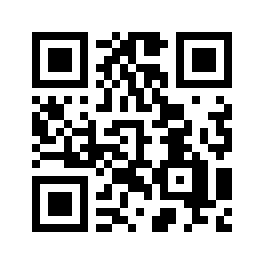
Open the pairing link in a compatible TV browser or scan it with your phone.
For events, venues, and sponsors
Put a campaign on a compatible screen. Use a tracked QR code and website pixel to see how people respond.
Starting at $99
I’m on vacation. That’s an AI-generated version of me in the video, and honestly, this is probably what I’d be doing anyway. — Joseph
What would you put on the screen? Pitch us a character, a setting, or a local sponsor you’d love to see.
Direct our next commercial REFRACTION.TV
How it works
Open the pairing link in a compatible TV browser or scan it with your phone.
In Refraction, open Owned Screens and use the TV Broadcast Panel to preview your layout, adjust how your creative fits, and configure sponsor overlays before publishing to a paired display.
Give each placement a tracked QR code. Compare scans and use a website pixel to attribute eligible visits.